
On this page
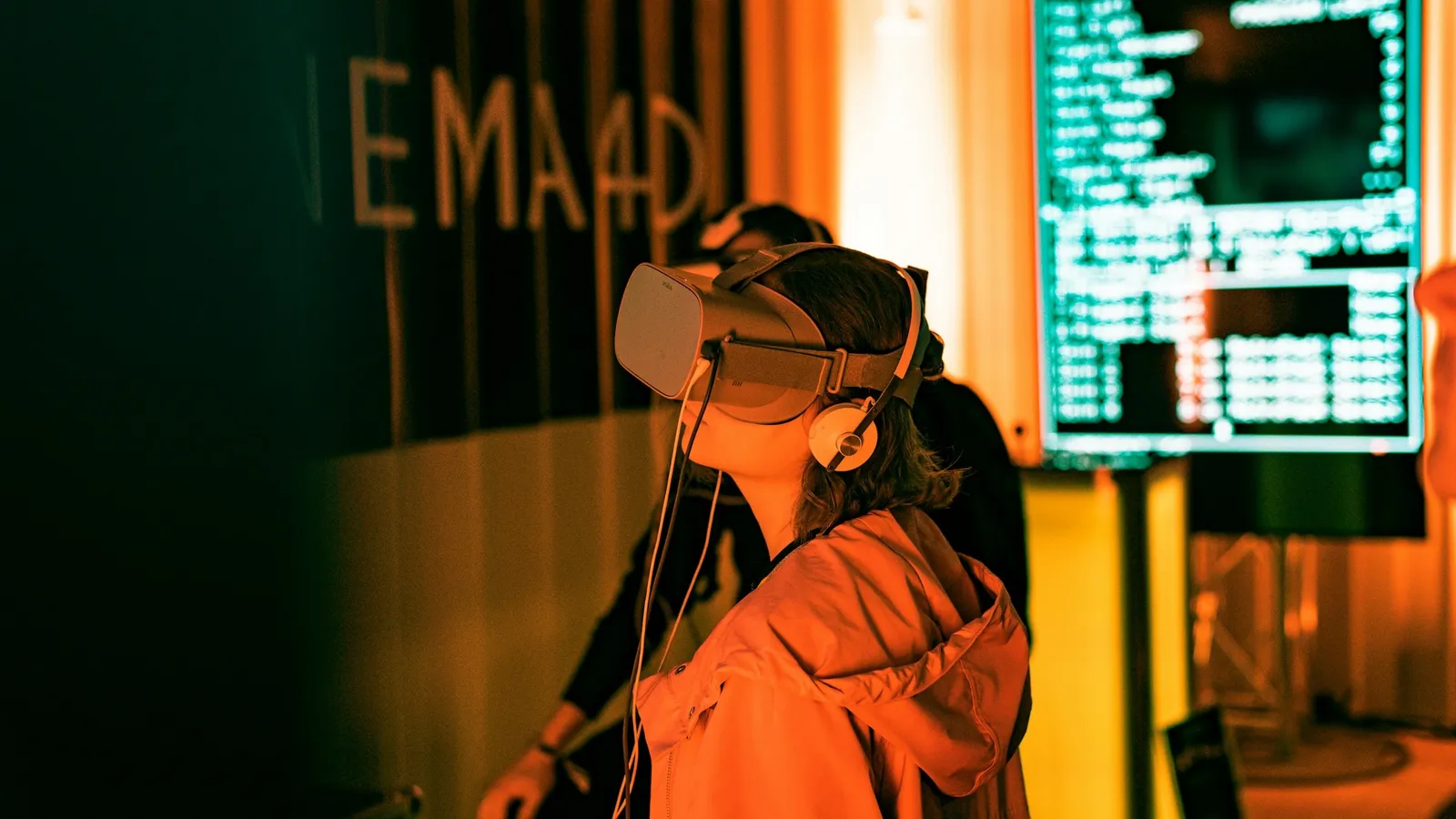
Augmented reality (AR) places digital objects on top of the real world, usually through a phone camera or a see-through headset. Virtual reality (VR) replaces the world with a 3D scene inside a headset. An AR/VR developer is the person who builds those apps: the scene, the interactions, and the code that keeps it all smooth.
The starting tools are free, and the core skills overlap with Class 11 and 12 maths and physics.
What does an AR/VR developer actually do?
Most of the work happens inside a game engine: import 3D models, place them in a scene, script responses to the user's head, hands or controllers, and test on a device.
On a phone, the platform does the hard sensing for you. Google's ARCore documentation lists three jobs it handles: motion tracking (where the phone is in the world), environmental understanding (finding floors, tables and walls) and light estimation (matching the room's lighting). Your job is to decide what appears on those surfaces and how it behaves.
In VR, much of the craft is comfort: making sure the scene never stutters or makes the user feel ill. For the optics, read how a VR headset uses lenses and two images to create depth.
What skills do you need to become an AR/VR developer?
Learn these in order:
One programming language tied to an engine. Unity scripts are written in C#; Unreal Engine uses C++, with Blueprints, a node-based visual scripting system, for building gameplay without typing code.
3D maths. Positions and directions are vectors, movement and scaling are matrices, and rotations need care. Unity's documentation states that it uses quaternions, a four-number representation, for all rotations internally. If cross products feel shaky, practise finding a unit vector perpendicular to two vectors; the same cross-product step gives the direction a surface faces in 3D graphics.
3D content. You do not need to be an artist, but you should be able to make or fix a simple model. Blender is free and open-source software for 3D creation.
If vectors and matrices never quite clicked, the Fermi Concept Library has a lesson for each concept in mathematics and physics, so you can fill the gap first.
Which beginner tools should you start with?
Pick one and stay with it:
Unity: its XR manual covers VR, AR and mixed reality, with the XR Interaction Toolkit and AR Foundation samples to copy from. Unity Learn's free VR Development pathway has 4 missions over about 6 weeks and ends in a portfolio project.
Godot: a free, open-source engine whose manual has an XR section that covers OpenXR.
WebXR: if you know JavaScript, the W3C WebXR Device API lets a web page reach AR and VR devices, and the official samples run in a browser.
Apple Vision Pro: Apple's visionOS tools are Xcode, SwiftUI and RealityKit; this needs a Mac.
OpenXR is a royalty-free, open standard from the Khronos Group that gives developers one set of APIs for many AR and VR devices. Learning an engine that supports it keeps your skills portable across headsets.
Why does frame rate shape every VR decision?
Meta's Quest performance requirement says interactive apps must use a refresh rate of 72 Hz, 80 Hz, 90 Hz, 96 Hz, 100 Hz or 120 Hz, and must keep rendering at least 60 frames per second (apps using Meta's Application SpaceWarp may render at half the refresh rate).
The time between refreshes is 1 second (1000 milliseconds) divided by the refresh rate:
72 Hz: 1000 ÷ 72 = 13.9 milliseconds per frame
90 Hz: 1000 ÷ 90 = 11.1 milliseconds per frame
120 Hz: 1000 ÷ 120 = 8.3 milliseconds per frame
To deliver a new frame at every refresh, physics, scripts and drawing two views (one per eye) must all fit inside that budget. So when your scene stutters, ask which of these is eating the milliseconds. Estimating before optimising is the habit that separates a developer from someone following a tutorial.
A 12-week plan to get started
Weeks 1-3: finish the engine's beginner course. Build a room you can walk through.
Weeks 4-6: add interaction: pick up, throw and drop objects. Revise vectors alongside.
Weeks 7-9: make one small AR or VR app that teaches something, such as a model of a lens or a molecule you can turn in your hands.
Weeks 10-12: measure its frame rate, fix the slowest part, record a 60-second video and write what you changed.
For a week-7 idea, the Fermi Simulation Lab has interactive simulations for ideas that are easier to see than to read, a useful guide to what your 3D version should show.
AR/VR sits close to animation and games, so if you enjoy the art side as much as the code, compare it with animation and VFX careers after science. Then pick one engine and build your first room this week.