On this page
Smartphones make it possible to study anywhere, but using a 6-inch screen for complex subjects like physics or mathematics is not always easy. When you study with an AI tutor on a phone, the friction of typing equations and the temptation to switch apps can quietly drain your focus. Getting the most out of mobile learning means setting up a physical workspace around the device, keeping your notes on paper, and managing your screen time to reduce mental fatigue.
Why is typing maths harder than handwriting?
Typing complex mathematical or chemical equations on a mobile keyboard is slow. More importantly, it creates "extraneous cognitive load" — you spend mental effort looking for the square root symbol or the exponent key rather than thinking about the physics. In mathematics, seeing your previous steps is crucial for spotting mistakes, but a small screen hides your earlier work as you type.
Research shows that the physical act of writing helps encode information into memory. A 2014 study by Pam Mueller and Daniel Oppenheimer found that students who took notes by hand performed better on conceptual questions than those who typed on a laptop (10.1177/0956797614524581). Typists tended to transcribe information verbatim, while handwriters had to process and reframe the material, leading to deeper learning.
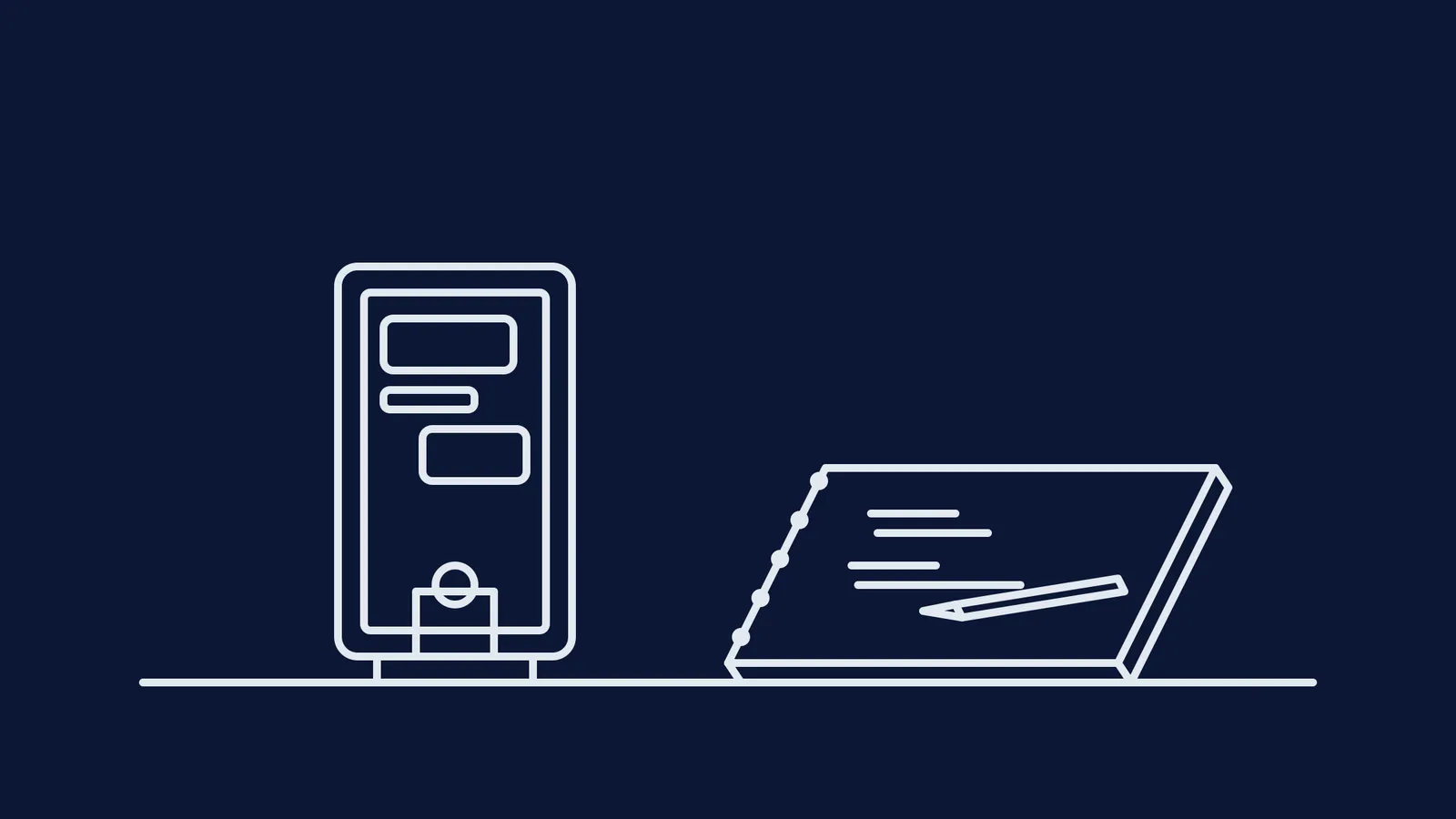
For subjects that require spatial reasoning and multi-step logic, paper remains superior. When a platform like Fermi's AI tutor guides you through a problem, treat the phone as the teacher's whiteboard. Write out your steps on a physical notepad, and only type your final answer or a specific question into the phone. This keeps your working memory focused on the concept, not the keyboard.
What is the cognitive cost of app switching?
On a computer, you can have a textbook open next to your notes. On a phone, every time you want to check a formula in a browser or read a message, you have to switch away from the tutor completely. This is a full-screen context switch, and it carries a heavy mental price.
In a 2009 study, Sophie Leroy coined the term "attention residue," showing that when you switch tasks, part of your attention remains stuck on the previous task (10.1016/j.obhdp.2009.04.002). This residue reduces the cognitive bandwidth available for the new task.
Furthermore, the American Psychological Association notes that shifting between tasks can consume up to 40% of someone's productive time (10.1037/0096-1523.27.4.763). The brain has to shift its goals and activate new rules for every transition, which breaks deep focus. When you finally return to the tutor, you spend the first few minutes just trying to remember what you were working on.
To avoid this, consolidate your tools. If you use the Fermi Concept Library, the explanations and the tutor sit on the same page, so you rarely need to leave the app. If you are using a generic tool, keep a physical textbook open beside you so you do not have to switch screens to check a fact.
How to set up your phone for deep work?
When using your phone to study, its default settings are your enemy. Notifications slide down over your work, and the device is designed to be picked up and scrolled.
To counter this, treat the phone like a fixed monitor:
Place it flat or on a stand: Do not hold the phone in your hand. Putting it on a stand next to your notebook turns it into a reference screen and leaves both hands free for writing. Read more about this approach in Does a phone on your desk hurt focus?
Block the noise: Turn on "Do Not Disturb" or a dedicated focus mode. Every vibration pulls your attention away, forcing your brain to pay the cognitive switching cost even if you do not open the app.
Use the screen for dialogue, not storage: Do not try to read long PDFs or review past notes on a small screen, which limits context. Use the phone for interactive learning and active problem-solving.
A checklist for studying with an AI tutor on a phone
Before you start your next study session, run through this quick setup:
Clear the desk: Have only your phone, a notebook, a pen, and a textbook.
Lock the screen: Enable Do Not Disturb mode for the next 45 minutes.
Prop it up: Put the phone on a stand so you can see it without holding it.
Write to think: When the tutor asks a question, solve it on paper first. Learn more about this at Can AI tutors teach better than chatbots that give answers?
Type to talk: Only use the keyboard to tell the tutor your answer or explain where you are stuck.
By separating the heavy lifting of mathematics onto paper and using the phone purely for instruction, you can make the most of an AI tutor without being held back by a small screen.