On this page
As AI chatbots become a standard part of schoolwork and daily life, parents often wonder how to manage their teenagers' access. While early versions of these tools lacked safety guardrails, OpenAI, Google and Microsoft have recently introduced specific parental controls.
Here is a guide to the age rules, the supervised accounts available, and what parents can and cannot monitor when their teenager uses generative AI.
What are the age rules for AI chatbots?
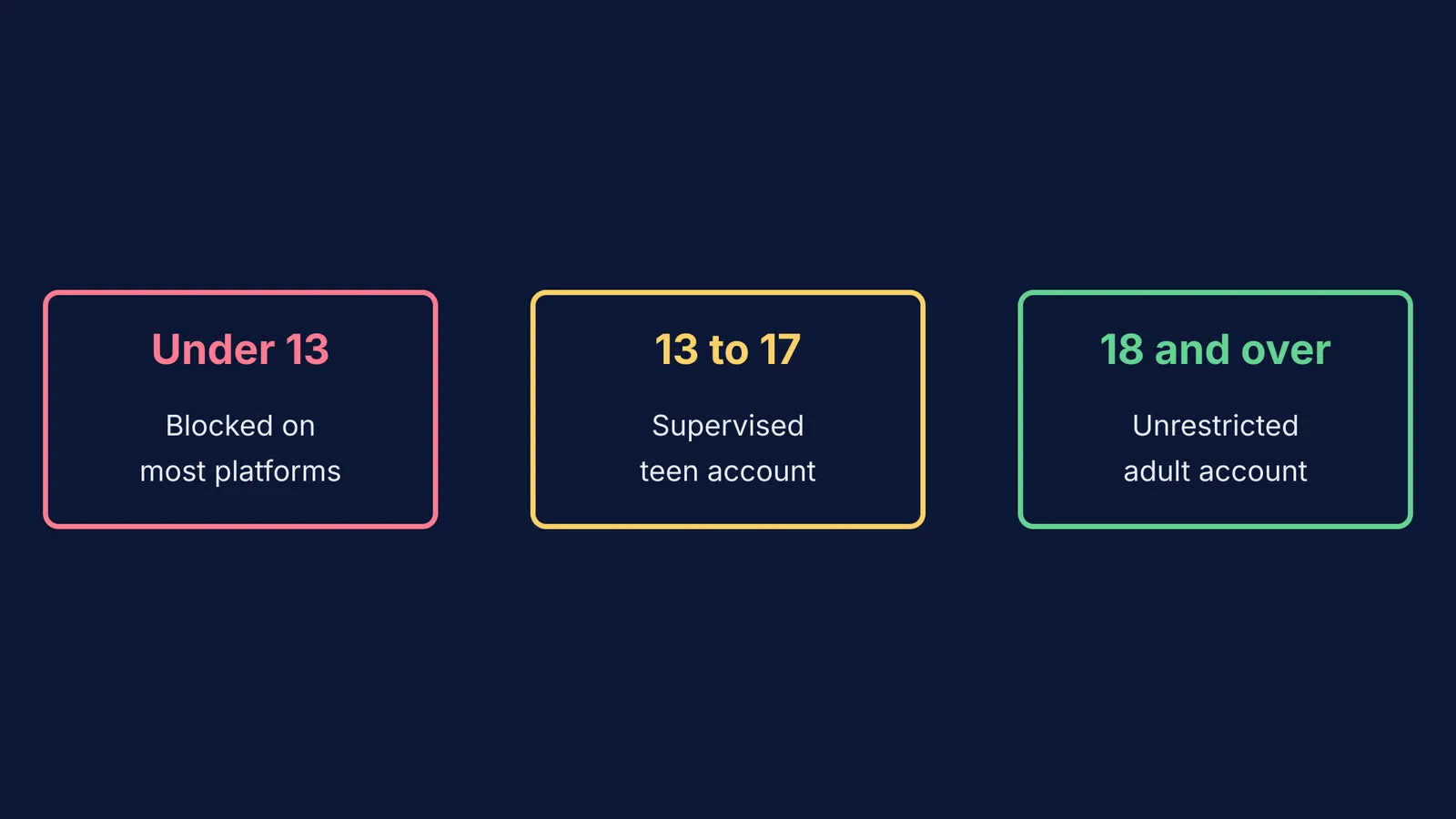
The major AI platforms share similar baseline age restrictions, though their approaches to younger children differ. Children under 13 years old cannot create their own ChatGPT or Microsoft Copilot accounts, as strictly outlined in their terms of service. Google Gemini is similarly restricted, generally requiring users to be at least 13 to access the service.
These age limits are not just suggestions; they are designed to comply with data protection laws around the world. Creating an account for a child under the minimum age can result in the account being permanently suspended if the platform detects the violation.
For teenagers between the ages of 13 and 17, major platforms offer "teen accounts" or supervised experiences. When a user registers with a birthdate in this range, the platforms automatically apply stricter content filters designed to block self-harm, violent, or sexually explicit content.
Can I see what my teenager asks the AI?
A common misconception is that supervised accounts allow parents to read their child's prompts and the AI's responses. They do not. To protect the teenager's privacy, none of the major AI chatbots allow parents to review chat transcripts.
For many parents, this lack of visibility is a surprise. However, the policy is intended to encourage teenagers to ask questions and learn without fear of judgment. If you want to know what your child is working on, the most effective approach is to ask them directly and review their work together, rather than relying on software to monitor their conversations.
While a parent might manage the link to their teenager's account, the chat content remains private. When safety systems flag a severe risk, the platform is designed to provide resources and encourage the user to seek help from professional services, rather than sharing the chat log with the parent.
What can parental controls actually do?
When you link your account to your teenager's, you gain control over specific platform features rather than individual topics or keywords.
Content generation: Features like DALL-E have additional safety guardrails for teenagers to prevent the generation of inappropriate content. Google Gemini also notes that some features have age requirements and are not available for supervised accounts.
Time limits: Parents must generally rely on device-level controls like Google Family Link, Microsoft Family Safety or Apple Screen Time to set daily limits for the browser or the app itself.
Data privacy: Supervised teen accounts generally opt out of using the teenager's conversations to train future AI models by default, ensuring their private questions do not become part of the public dataset.
A checklist for setting up AI at home
If you decide your teenager is ready to use an AI chatbot, a few practical steps can make the setup safer and more productive.
Use their real birthday: Do not let a teenager set up an account with a fake adult birthdate. Doing so bypasses the automatic teen safety filters and treats them as an unrestricted adult.
Link the accounts: For ChatGPT, go to settings and send a "Parental controls" invitation to your teenager's email address.
Discuss how to use it: General AI chatbots can confidently give incorrect answers. Show them how to check facts and use the AI for hints rather than direct answers. If your child needs help with schoolwork rather than general chat, a purpose-built tool is safer. General chatbots can occasionally invent facts or solve problems using incorrect methods. Most learning tools answer questions. Fermi teaches — it holds a line of reasoning across a whole session, notices where a student is stuck, and decides whether to explain, ask, or show.
Learn together: If you are unsure how to begin, spending time trying an AI tutor alongside your child can establish healthy habits early on.
Close the loopholes: Remember that a teenager can easily bypass in-app controls by using a web browser in incognito mode or creating a secondary account. Parental controls work best when paired with device-level supervision.
Agree on times: Use device limits to keep chatbots out of late-night study sessions. Setting up clear family rules around screens and homework helps prevent late-night distractions.