

On this page
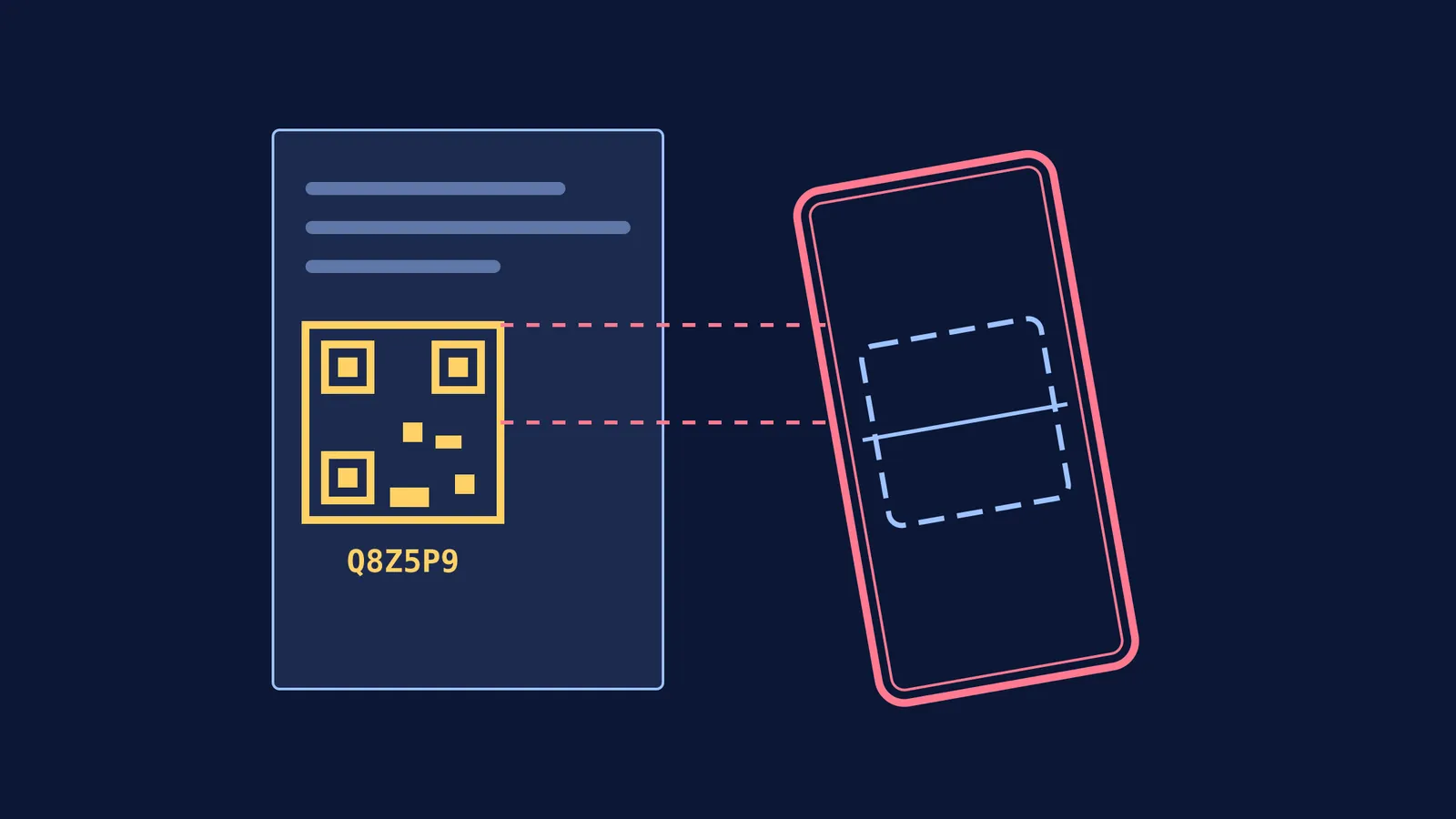
If you open a recent NCERT textbook, you will see a small square barcode printed on the first page of the chapter or next to key topics. This is a QR code linked to the government’s Digital Infrastructure for Knowledge Sharing (DIKSHA) platform.
Instead of searching the internet for random explanations, scanning these codes takes you directly to official materials designed for that exact lesson. Here is how to use them effectively for your exam preparation and regular revision.
What is an energized textbook?
Under the PM eVIDYA initiative, India's education ministry has created energized textbooks across all states and boards. According to the Department of School Education and Literacy, over 6,500 textbooks have been energized with these QR codes, covering material from grades 1 to 12 in more than 30 languages (Ministry of Education).
An energized textbook bridges the physical book in your hands with digital content. When a chapter introduces a difficult concept like the human heart's anatomy or the geometry of a prism, the QR code connects you to a video animation or an interactive quiz that makes the idea easier to see.
How to scan DIKSHA QR codes in NCERT textbooks?
You can access the linked digital resources using either a smartphone or a computer.
Using the DIKSHA mobile app
Download the official DIKSHA app from your phone's app store.
Open the app and select your user profile (Student or Teacher) and your board (such as CBSE or your state board).
Tap the QR code scanner icon at the bottom of the screen.
Point your camera at the QR code printed in the NCERT textbook.
The app will load the specific videos, PDFs, or worksheets tied to that code.
Using a computer browser If you prefer studying on a laptop, you do not need to scan a barcode. Every QR code in the textbook has a unique 6-character alphanumeric string printed just underneath it, known as a DIAL code. This acts as a direct shortcut to the specific digital folder for that topic.
Go to the official portal at diksha.gov.in.
Find the search bar or the "Enter QR Code" box prominently displayed on the homepage.
Type in the 6-character DIAL code exactly as it appears in your book, ensuring you do not mix up numbers and letters.
Hit enter to view the matching lesson materials, which you can then sort by format, such as video, interactive content, or document.
How should you use the QR codes for revision?
Having extra material is only helpful if you use it actively. Simply watching a video will not build memory or problem-solving skills on its own. To integrate these digital resources into a steady schedule—similar to how to build a study routine that lasts longer than a week—try this framework:
Read the physical text first: Always attempt to read the NCERT chapter on your own. Note down any paragraphs or diagrams that confuse you.
Scan when stuck: Do not scan every code in the book. Treat the QR code as a lifeline. For instance, if you are reading the Class 11 Physics chapter on rotational motion and cannot picture how torque acts on a spinning wheel, scanning the code will bring up a 3D animation that clarifies the direction of the force. If you are studying biology, you might find a detailed walkthrough of the human digestive system that shows the exact path food takes, which is much clearer than a static diagram.
Pause and test yourself: When watching a DIKSHA video, pause it before the teacher reveals the answer. Try to predict the next step using the self-explanation effect to study worked examples.
Use the practice assessments: Many codes link to multiple-choice quizzes that test your grasp of the definitions and formulas just introduced. Use these as a low-pressure way to check if you remembered the core facts before moving on to harder numericals. A quick quiz can reveal if you genuinely understood the difference between speed and velocity, saving you from making foundational errors later in complex kinematics problems.
When to use the code, and when to ask an AI tutor?
The DIKSHA platform offers excellent broadcast material. It gives you standard, reliable videos and worksheets to help you review a complete chapter. However, standard videos cannot see your personal mistakes. If you are stuck on one specific line of a physics derivation or keep getting the wrong sign in a math problem, a recorded video cannot adapt to help you.
This is where an interactive tutor steps in. Fermi's AI tutor teaches rather than just answers. It holds a line of reasoning across a session, notices exactly where you are stuck, and decides whether to explain, ask, or show—writing on a board and checking your understanding as it goes. If you finish reading an NCERT chapter and cannot solve the exercises at the back, you can bring the question to the Fermi Problem Library. It acts as a step-by-step solver that explains the reasoning rather than just printing a final answer.


