

On this page
When you first open a Computer-Aided Design (CAD) program, the interface is a wall of buttons. You are expected to turn a blank screen into a precise, manufacturable 3D object. But the secret to learning CAD is not memorising where every tool is hidden. It is about changing how you see space.
Why is CAD so hard to learn at first?
The struggle is rarely about the software itself; it is about mentally translating between two and three dimensions. According to educational researcher Sheryl A. Sorby, developing 3-D spatial visualization skills is now a major goal of engineering design graphics education. As university courses have moved away from manual drafting, students must explicitly practice these spatial skills to succeed in modern CAD environments (Sorby, 10.18260/edgj.v63i2.126).
If you find it difficult to picture how a flat drawing becomes a solid object, you are not alone. Much like learning to use the section formula in 3D to find coordinates, visualising CAD parts requires training your brain to see depth where there is only a flat screen. If a concept feels impossible to picture, you can run a 3D model in the Fermi Simulation Lab, which offers interactive simulations for ideas that are easier to see than to read.
How do you move from 2D sketches to 3D parts?
Almost every professional CAD tool—from free software like Tinkercad to industry standards—works on the same core principle: you draw a flat 2D shape (a sketch) and then push or pull it into the third dimension (an extrusion).
A study of 35 undergraduate students found that starting with accessible 3D modeling tools helped them progress from intuitively throwing shapes together to developing a rule-based understanding of three-dimensional forms (Kim, 10.14333/kjte.2026.42.3.33). You stop drawing lines and start defining structures.
What are constraints and assemblies?
In modern parametric CAD, you do not just draw a line; you give it rules. These rules are called "constraints". You might tell the software, "This line must always be horizontal," or "This circle must always have a diameter of 50 mm." If you change the diameter later, the whole model updates automatically.
Once you have built a few single parts, you bring them together in an assembly. This is where things get complex. Researchers note that assembly modeling requires you to select matching faces, edges, or points and define the mathematical constraints that lock them together—a process that is far less intuitive than simply snapping physical parts together in the real world (Fechter & Wartzack, 10.1115/detc2017-67555).
What is a good practice plan for beginners?
To avoid getting stuck, follow a structured progression:
Start primitive: Use Tinkercad or another basic tool to stack simple blocks and cylinders.
Sketch and extrude: Move to a parametric tool (like Onshape or Fusion 360). Draw a 2D rectangle, add dimension constraints, and extrude it into a box.
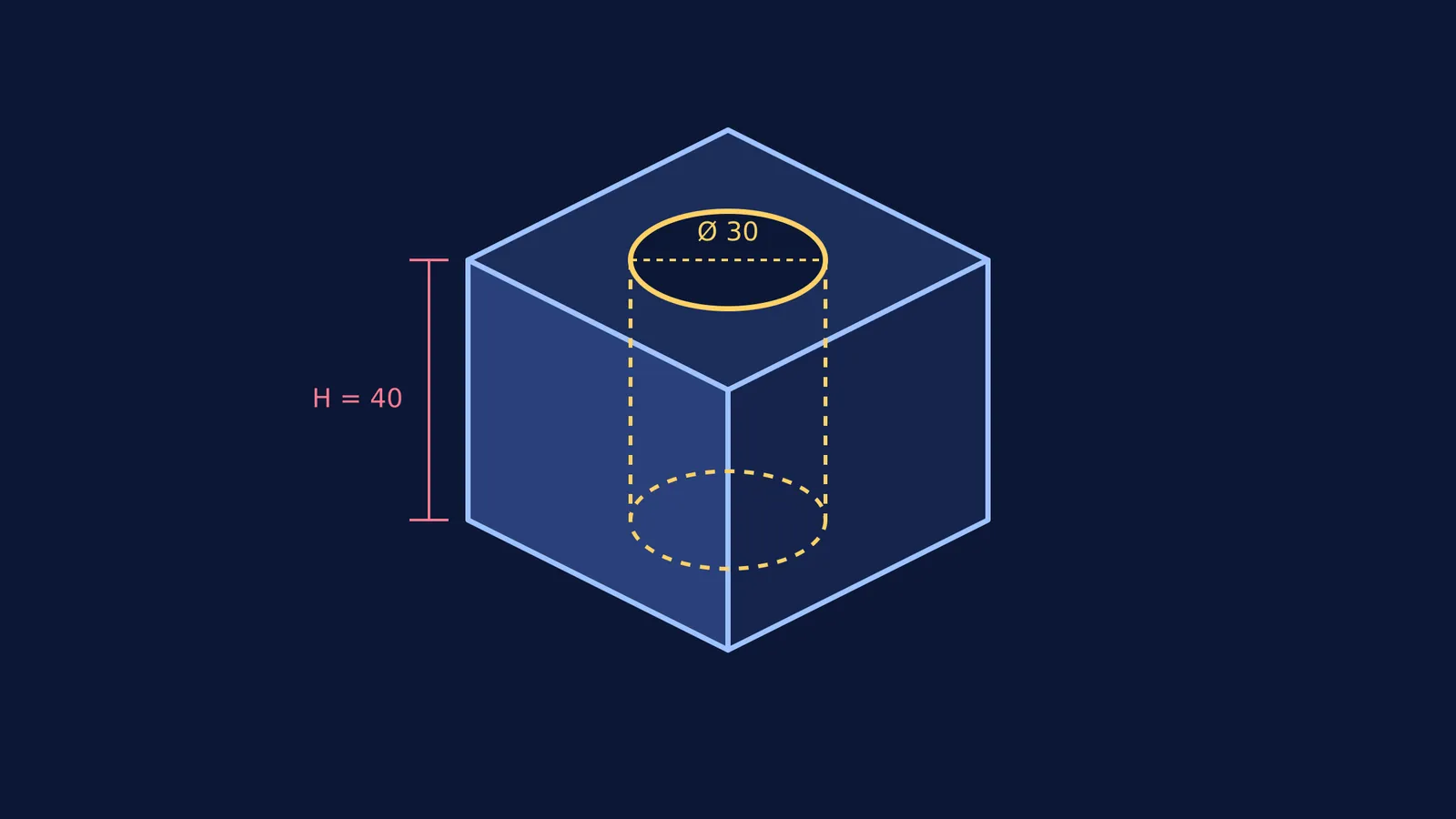
Cut away material: Sketch a circle on top of your new box and use the "cut" or "hole" tool to remove material. (This is similar to calculating the radius of gyration for a hollow shape—you have to account for the empty space).
Assemble two parts: Model a peg and a plate with a hole. In a new assembly file, apply a constraint that aligns the cylinder's centreline with the hole's centreline.
If you are not sure where to start with your first complex part, Fermi's AI tutor can work out what you already know and build a plan for the session, guiding you step by step. Start simple, constrain your sketches, and let the software handle the heavy lifting.


