

On this page
If you recently upgraded to a 100 Mbps internet plan, you might be frustrated to see a large game or video downloading at only 12 MB/s. It feels like you are getting a tenth of what you paid for. However, your connection is working exactly as it should. The confusion comes down to a single capital letter: the difference between a lowercase "b" and an uppercase "B".
Why is my 100 mbps internet downloading at 12 mb per second?
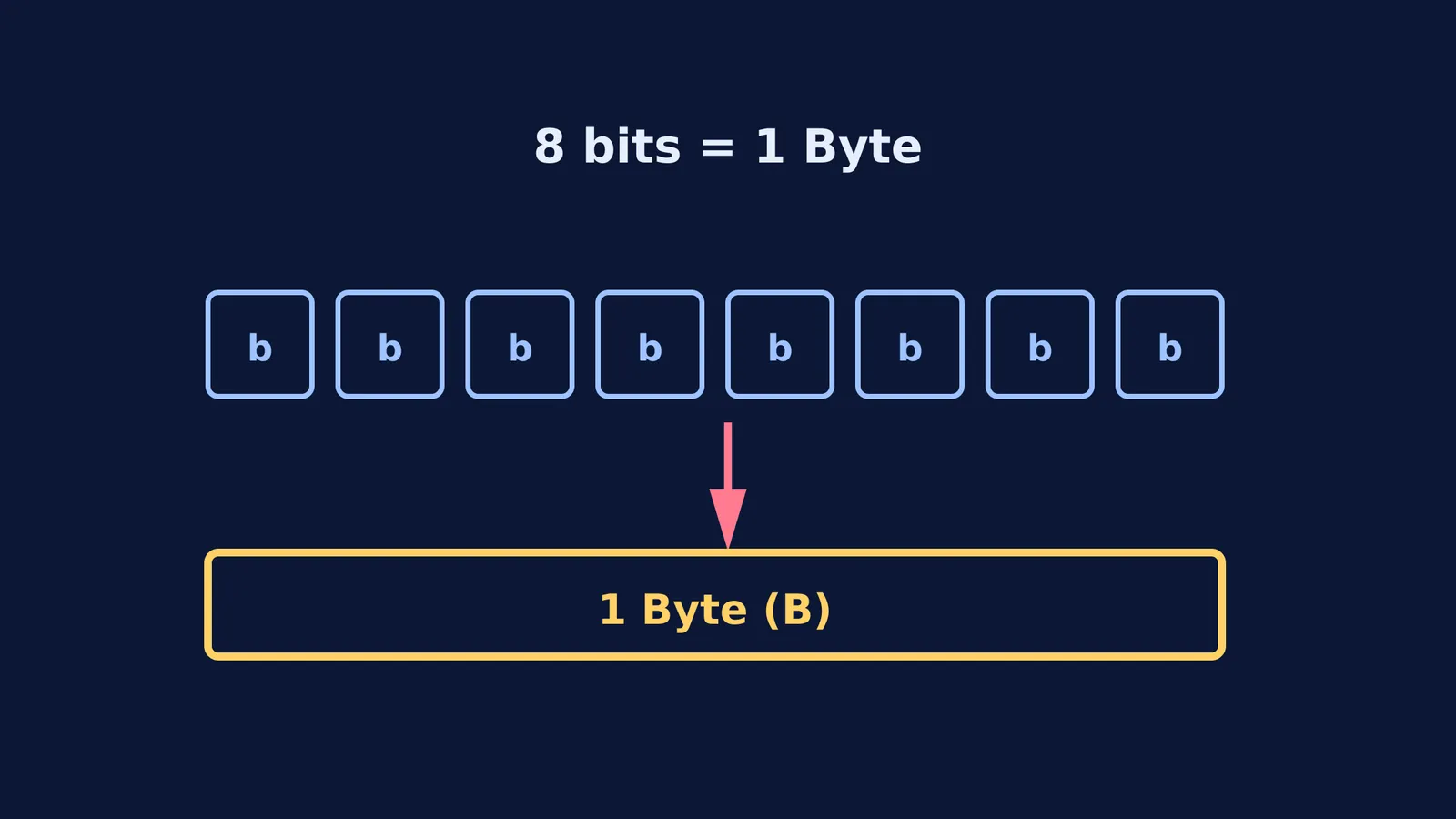
Internet speeds are advertised in megabits per second (Mbps), while software like web browsers and game consoles measure download progress in megabytes per second (MB/s or MBps). Because there are eight bits in every byte, you must divide your plan's advertised speed by eight to find your actual maximum download rate.
The Federal Communications Commission (FCC) currently defines standard broadband as a minimum of 100 Mbps. A 100 Mbps connection divided by 8 gives a theoretical maximum of 12.5 MB/s. In reality, network overhead—the extra data required to route packets safely to your device—consumes a small fraction of the bandwidth. This overhead is why your download speed typically settles slightly below the theoretical maximum, often around 12 MB/s in practice.
You can see this mathematical pattern across all internet tiers. A 1,000 Mbps (Gigabit) connection will download files at roughly 125 MB/s, and a 25 Mbps connection will max out around 3 MB/s. The difference is entirely a matter of mathematical conversion rather than a network error or a failing router.
What is the difference between a bit and a byte?
A bit is a binary digit, a single 1 or 0, and is the smallest unit of data in computing. A byte is a group of bits. The National Institute of Standards and Technology (NIST) formally defines a byte as a sequence of exactly eight bits.
We use bits to measure data as it flows through a wire, like water in a pipe. We use bytes to measure data resting on a hard drive, like water in a bucket.
This historical split in measurement units explains why a computer's hard drive space is sold in gigabytes (GB) or terabytes (TB), while the speed of the network card connecting it to the internet is rated in gigabits (Gbps).
You can read more about dealing with units in our guide on converting a quantity between unit systems using dimensions, or explore the seven SI base units to see how fundamental physical measurements are defined.
How do you calculate your true download speed?
To find out how fast your files will actually download, you can use a simple calculation framework to convert what you pay for into what you see on your screen.
Find your plan speed: Check your bill for the advertised speed in Mbps.
Divide by 8: Convert megabits to megabytes. For a 100 Mbps plan, the math is simply 100 ÷ 8 = 12.5 MB/s.
Account for overhead: Subtract a small fraction for network routing data (such as TCP/IP headers) to find your realistic maximum. For our example, the speed will be slightly under 12.5 MB/s, around 12 MB/s.
Calculate time: If you are downloading a 1,200 MB (1.2 GB) file, divide the file size by your realistic maximum. Here, 1,200 MB ÷ 12 MB/s = 100 seconds.
If these unit conversions or the underlying math feel hard to picture, the Simulation Lab has interactive simulations for the ideas that are easier to see than to read.
Does Wi-Fi slow down my download speed?
Even if you calculate your speed correctly, you might still see downloads slower than 12 MB/s. In many homes, the Wi-Fi router is the actual bottleneck.
The 100 Mbps speed promised by your internet service provider only applies to the wired connection entering your home. Once that signal is broadcast wirelessly, physical obstacles like thick walls, distance from the router, and interference from other electronic devices can heavily reduce the data rate. Connecting your computer directly to the router with an Ethernet cable is the best way to verify if you are receiving the full bandwidth of your plan.
Why do internet providers use megabits?
Internet Service Providers (ISPs) use megabits because data transmission has historically been measured one bit at a time. When data travels across a network, it is sent as a serial stream of individual pulses—bits—rather than fully formed bytes.
Hardware engineers and network technicians care about the exact number of pulses traveling across a medium per second. This standard applies to everything from old dial-up modems to modern fiber-optic cables.
While it might seem like a marketing trick to use a larger number on the billboard, using bits per second is the scientifically correct way to describe network bandwidth. It accurately reflects how the hardware actually transmits information. Just remember the rule of eight, and you will always know exactly how fast your downloads should be.


